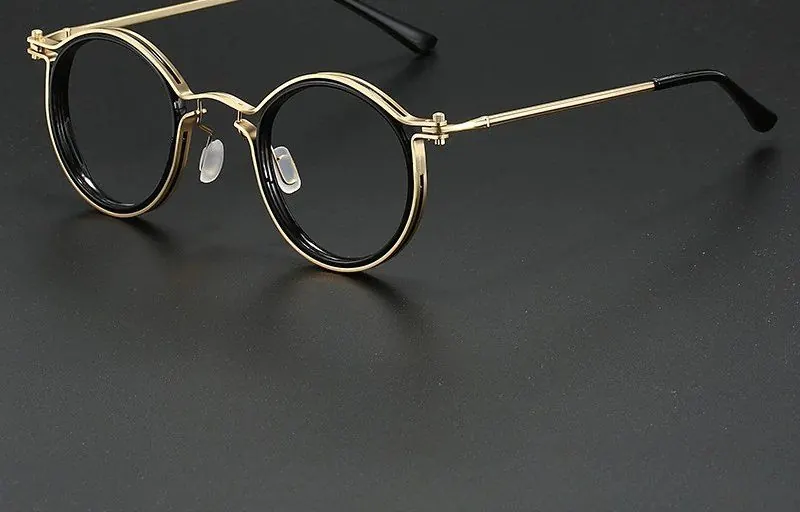
Work, WFH & Digital Life
Blue Light Computer Glasses for Long Screen Days
Quick answer
Blue light computer glasses filter part of the blue light your monitor gives off and use an anti-reflective coating to cut glare, so long screen days look slightly warmer and cleaner. They are a comfort and style accessory, not a medical device. For all-day desk wear, a light frame with a good fit matters most.
Half nine at night, and my desk has done two shifts. This morning it was work, spreadsheets and video calls back to back. Tonight it is a ranked match with the lights off. Same chair, same monitor, same glow burning into the room. My mum still asks if I get enough fresh air. If she saw the hours, she would send a search party.
If your day looks anything like that, blue light computer glasses belong on your desk next to the coffee. Not as a fix for anything. As kit. The lens filters a slice of the blue light your monitor pushes out, the anti-reflective coating cuts the glare bouncing back off the glass, and the screen ends up looking a bit warmer and a bit softer. That is the honest job. A comfort filter and a frame that makes you look sorted on a 9am call.
Marcus here. I have taken these from a semi-pro Rocket League setup to a full-time writing desk, and here is what I have learned about picking a pair that survives a proper screen day.
What blue light computer glasses actually do
They change the light reaching your eyes, not your eyes. Two effects.
Glare goes down. Reflections from a window or a lamp behind you clutter the panel, and an anti-reflective coating strips a lot of that away, so what is on screen reads cleaner. It is like muting the background hum in a busy room.
The tone warms slightly. A bright white document in a dim room stops feeling like a spotlight and reads a touch gentler. Some lenses are clear, some carry a light amber tint.
That is the full scope. No health claims here, I am a bloke who spends too long on Discord, not a doctor. They soften how the screen looks and they tidy up your desk aesthetic. Both worth having.
Why the all-day desk crowd bothers
Work went hybrid and never fully came back. Loads of us now clock eight hours in front of a monitor and then reach for another screen to unwind. Ofcom reports that UK adults spend a serious chunk of every day online, and that is the new normal, not a blip.
When the screen is your workplace and your evening off, small comforts stack up over the week. A cleaner, warmer picture and a frame light enough to forget is a low-effort upgrade to hours you are spending anyway. The computer and screen glasses collection is built around exactly that use.
Fit beats everything for long sessions
Wear anything for eight hours and the fit decides whether you love it or bin it.
- Light frame. If you notice the weight at hour one, it is agony by hour six. Acetate or a light metal, nothing heavy on the bridge.
- Sensible arms. They should sit behind the ears without digging in, and slim enough to slip under a headset if you game after work.
- Right bridge. A bridge that matches your nose keeps the frame steady all day instead of sliding down every ten minutes.
If shape is your sticking point, my colleague Priya's best blue light glasses UK buyer's guide breaks down which frames suit which face. And if you game after the workday like I do, the gaming glasses guide covers the headset-and-slim-arms angle.
Clear or tinted at the desk
Clear lenses do the filtering through a coating and keep colours true, which is what you want for anything visual: design, editing, photos on a call. That is my default for work.
A tinted lens runs warmer and cuts a little more of the blue end, which suits low-light evening use. The trade-off is colour: whites lean cream and accuracy slips, so it is an evening pick, not an all-day one. I keep a minimal-tint pair for work and switch to warmer frames after dark.
| Desk scenario | Lens pick | Frame tip |
|---|---|---|
| All-day office or WFH | Clear with anti-reflective coating | Light acetate or metal, slim arms |
| Design, photo or video work | Clear, minimal tint | Colour accuracy comes first |
| Evening wind-down screens | Light amber tint | Warmer look suits dim rooms |
| Work day then gaming night | Clear, slim arms | Slips under a headset after hours |
The style bit, because you are on camera
Nobody dresses up to work from the spare room, but the frame is the one thing your colleagues see up close on every call. A decent pair does a lot of quiet work. I lean tortoise or matte black, both easy. A rich tortoiseshell reads smart on camera and goes with everything, and the women's range covers the same easy shapes. A clean, structured pick like the Slate Square frames looks put-together even when the rest of the outfit is joggers.
Set the desk up while you are at it
The glasses are one piece. The College of Optometrists points people toward sensible screen habits too: reasonable brightness, a monitor about an arm's length away, and stepping away from the desk now and then. None of that is a glasses claim. It is just good working sense that pairs with the frames.
The point of blue light computer glasses is not transformation. It is a cleaner, warmer screen and a frame you forget you are wearing, across hours you are spending at the desk regardless. That is a fair deal. Now, my queue just popped.
FAQs
What do blue light computer glasses do? They filter part of the blue light from screens and cut glare through an anti-reflective coating, so the picture looks slightly warmer and cleaner. They are a comfort-and-style accessory, not a medical device.
Can I wear them all day at my desk? Yes. Many people wear them right through a screen-heavy workday. The thing that matters for all-day wear is a light frame and a good fit, so the glasses stay comfortable hour after hour.
Should I get clear or tinted lenses for work? Clear lenses keep colours accurate, which suits design, editing and video calls. Tinted lenses look warmer and filter a little more blue light but shift colours, so they are better for casual evening screen time than colour-critical work.
About the author Marcus Bell - Ten-hour sessions, zero excuses, comfy frames Marcus is a former semi-pro Rocket League player from Sheffield who now runs a small streaming setup and writes about kit for people who live behind a screen. He's spent more hours in a gaming chair than he'd like his mum to know about. When he's not writing he's ranking up and arguing about mechanical keyboards. Writing for The Blue Light Glasses Co..
Frequently asked
Do I need special glasses for computer work?
You need an anti-glare coating more than you need a filter. In an office it is the ceiling panels and the window that land on your lenses, and the coating is what removes them. A light blue light filter is a comfort preference on top.
Will my employer pay for computer glasses?
In the UK, employers must arrange and fund an eye test for defined display screen users on request, and contribute towards basic glasses if the test shows they are specifically needed for screen work. Ask your HR team about the DSE policy.
How far should my monitor be from my face?
About an arm's length: sit back, reach out, and your fingertips should roughly touch the panel. The top of the screen should sit at or just below eye level so your gaze angles slightly downward.
How do I stop my glasses reflecting on video calls?
Raise your main light above eye level and angle it down at roughly 30 to 45 degrees, which pushes the reflection below the lens entirely. An anti-glare coating handles whatever is left.
Mentioned above
Frames from this guide
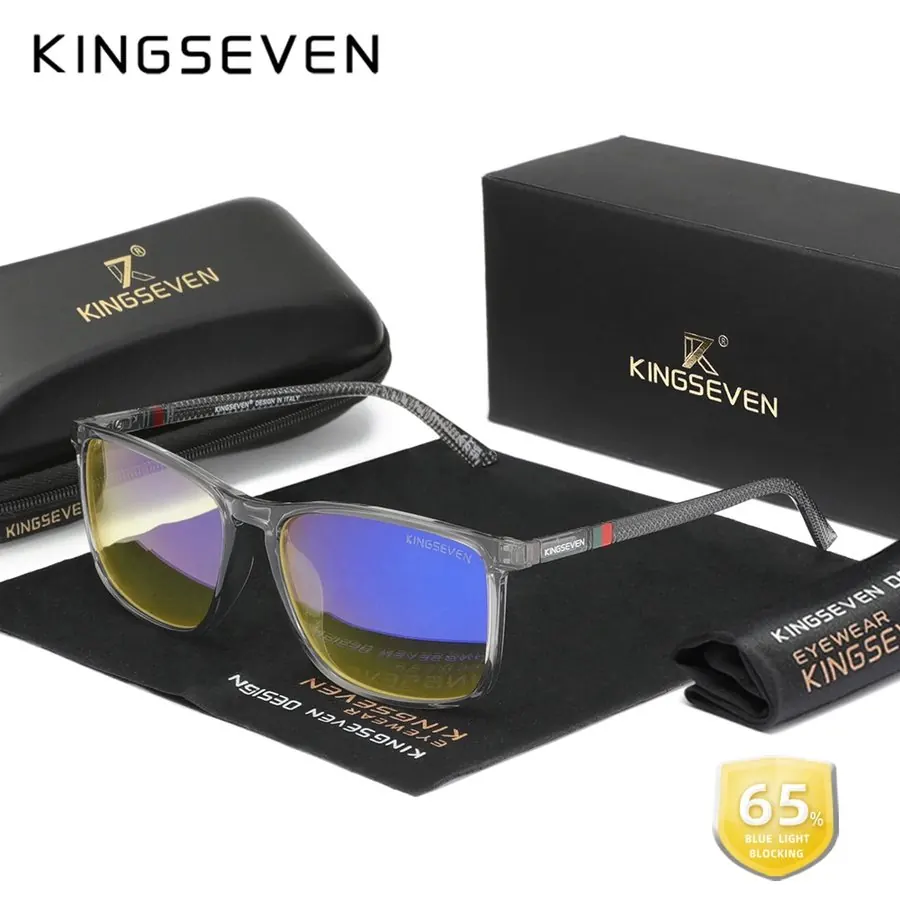
Work, WFH & Digital Life
Keep reading
Deeper guides in this topic, with new ones publishing every Monday, Wednesday and Friday.