Work, WFH & Digital Life
Best blue light glasses for working from home: UK guide
Quick answer
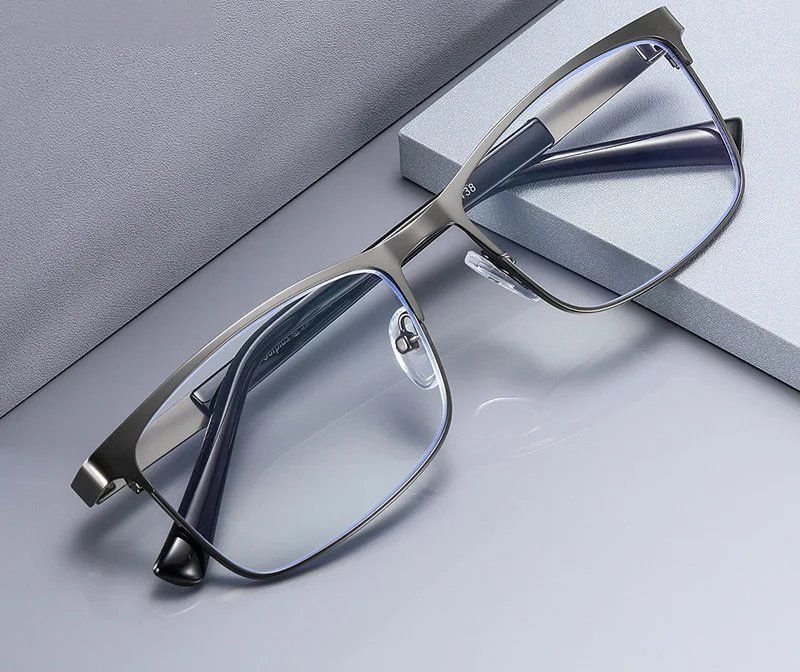
The best blue light glasses for working from home are light, well-fitting frames with clear lenses and an anti-glare coating. Clear lenses look normal on video calls, the coating cuts reflections from lamps and windows, and a frame you forget you are wearing matters more than anything printed on the box.
What makes a pair good for working from home?
A good WFH pair is one you can wear from the first email to the last call without noticing it. That means a light frame, a fit that stays put, clear lenses and an anti-glare coating that cuts glare from the lamp and the window.
Everything else is preference. The lenses in every pair we sell filter blue light from screens, so the real decisions are about weight, shape, colour and how the frame sits on your face. Those are the things that decide whether the glasses stay on at three in the afternoon or end up on the desk next to your mug.
Why comfort matters more at home than in an office
Working from home quietly removes the small breaks an office builds in. There is no walk to a meeting room, no lap to the printer, no chat by the kettle. The commute is ten steps and the screen takes up the hours the corridor used to.
The result is longer, less interrupted stretches at the desk, which means your glasses are on your face for longer too. A frame that feels fine for twenty minutes can become a pressure point behind the ears by lunchtime. At home you also tend to lean back, look down at a laptop or wear a headset, and each of those tests the fit in a different way. Buy for the whole day, not the first five minutes.
Frame weight, material and fit
Lighter is almost always better for a long desk day. The material, the width of the arms and the shape of the bridge all affect how a frame feels by the afternoon.
If you can, check the frame width against a pair you already find comfortable. Most frames list their measurements on the product page, and a millimetre or two either way makes a noticeable difference over eight hours.
- TR90 and light plastics: flexible, forgiving and easy to wear all day
- Thin metal: very light, with adjustable nose pads on many styles
- Acetate: richer colours and a bolder look, but usually a little heavier
- Arm width: slim, flat arms sit better under a headset
- Nose pads: spread the weight and help a frame stay put when you look down
Clear or tinted lenses for a home office?
Clear, for almost everyone. A clear lens looks like a normal pair of glasses on camera, keeps colours looking true on your screen and does not change how printed paper looks when you glance at a notebook.
Tinted lenses, such as amber or orange, change how everything looks. Your webcam reads a tint as a colour cast across your eyes, and if your work involves photos, design, brand colours or even a colour-coded spreadsheet, a tint gets in the way. Some people like a tint for relaxed evening scrolling, and the orange-tint range is there for that. For the working day, start with the clear and non-prescription collection.
Looking right on video calls
A frame with some definition reads better on a webcam than one that disappears. Webcams flatten detail, so a slim wire frame can vanish while a defined square or browline keeps its shape.
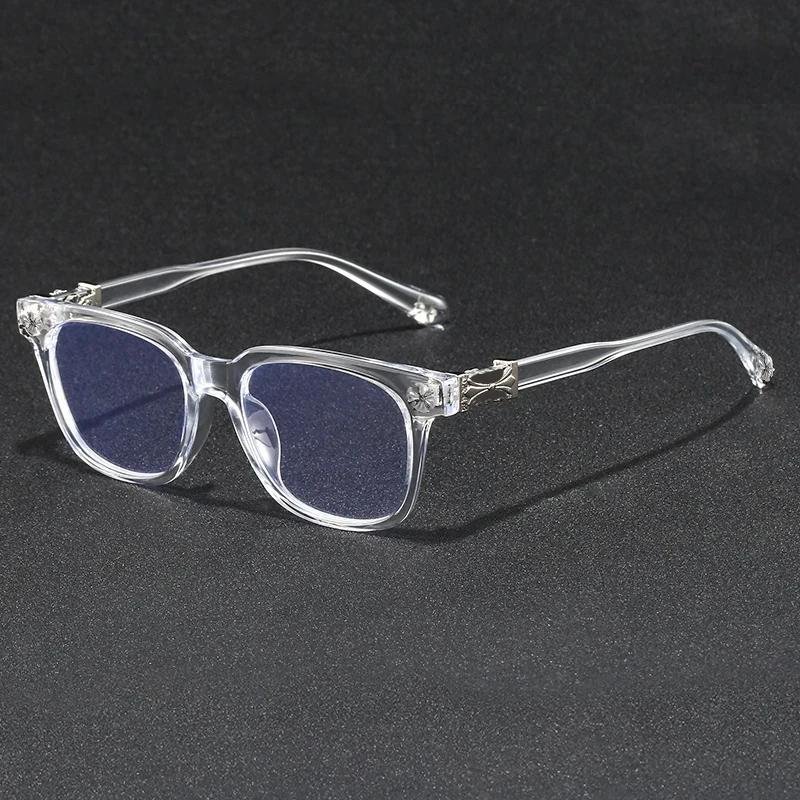
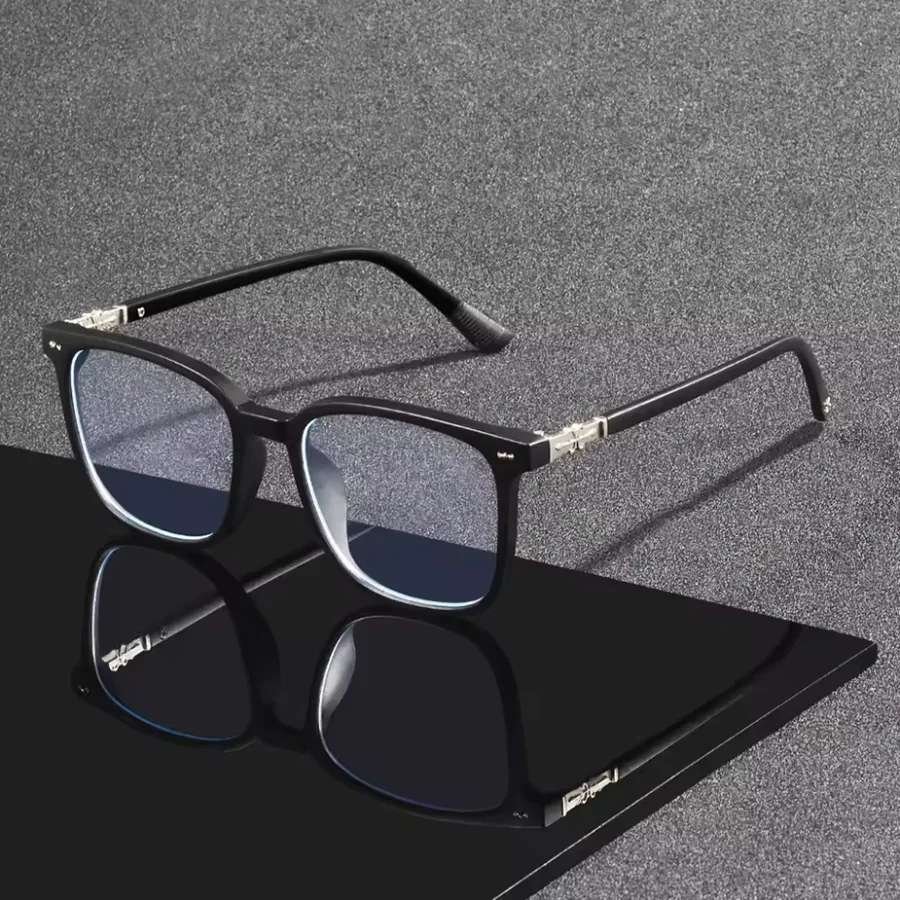
The Midnight Square is a matte black square that looks sharp on camera, and the Browline gives you a strong top line that frames the eyes without looking heavy. If you would rather your glasses barely register, the Crystal Clear frame is subtle on camera and in person.
Lighting matters as much as the frame. A light placed slightly above eye level and angled down keeps reflections off your lenses, which the anti-glare coating then tidies up.
Which frame suits your kind of home working?
The right pair depends on what your day actually involves. Someone on calls from nine to five needs something different from someone writing reports in a quiet spare room, so think about your typical Tuesday rather than an ideal one.
If your work moves between the desk, the kitchen table and the sofa, a sturdy frame with spring hinges copes better with being taken on and off. If you mostly sit in one place, you can choose on looks and weight alone. And if you share the desk with a partner or flatmate, a twin pack means nobody borrows the other person's glasses.
- Calls all day: a defined black or tortoiseshell frame with slim arms for a headset
- Writing and admin: the lightest frame you like the look of
- Design or photo work: clear lenses, so colours on screen look true
- Documents and small print: blue light readers, one step weaker for the monitor
- Desk and sofa: spring hinges and a case that lives by the laptop
Get the desk right around the glasses
Glasses are one part of a comfortable setup, not the whole thing. A few free adjustments to the desk make as much difference to a long day as anything you buy.
It also helps to build small breaks back in. Many people use the 20-20-20 habit: every twenty minutes, look at something about twenty feet away for twenty seconds. It costs nothing and gives the working day a rhythm. For the wider picture on screens, work and home life, our guide to screens, work and modern digital life brings it all together.
- Screen roughly an arm's length away
- Top of the screen at or just below eye level
- A lamp so the screen is not the only light in the room
- Desk side-on to the window rather than facing it or backing onto it
- Chair height set so your forearms sit level with the desk
How to choose without guessing
Start with what suits your face and your desk, then narrow by budget. Most of our frames for desk work cost between £9.99 and £30, so a good WFH pair does not need to be a big spend.
If you want a pair for all-day wear, the Featherlight Round at £29.99 is our lightest-feeling everyday frame. If you already need a little magnification for documents, the Boardroom readers at £14.99 filter blue light and look smart in meetings. The full computer and screen glasses collection gathers the frames most people pick for a desk.
Not sure which shape suits you? Home Try-On sends up to four frames to try free for seven days. Every order also comes with a 30-day money-back guarantee, free returns, and free UK delivery over £20.
Frequently asked
Are blue light glasses worth it for working from home?
Many people find them worth it for comfort and looks over a long desk day. The lenses filter blue light from screens and an anti-glare coating cuts reflections from lamps and windows. They work best alongside a sensible desk setup and regular breaks.
Should I get clear or tinted lenses for a home office?
Clear lenses suit most home offices. They look normal on video calls and keep colours on screen and paper looking true. Tinted lenses are more of a style or evening choice.
Can I wear blue light glasses all day?
Yes. A light, well-fitting frame is designed to be worn through the whole working day. Choose slim arms if you wear a headset and check the frame width against a pair you already find comfortable.
What frame looks best on Zoom or Teams calls?
A frame with some definition, such as a black square or a browline, tends to read well on a webcam. Very thin or fully clear frames can disappear on camera. Place your light slightly above eye level to keep reflections off the lenses.
How much should I spend on blue light glasses for WFH?
You do not need to spend much. Our desk-friendly frames mostly sit between £9.99 and £30, and every pair filters blue light from screens. Spend the effort on fit and comfort rather than price.
Do I need a separate pair just for work?
Usually not. One clear pair with an anti-glare coating covers the working day and the evening. A second pair only makes sense if you want one to live at the desk and one in your bag.
Mentioned above
Frames from this guide
Work, WFH & Digital Life
More from this topic
Computer glasses for office workers
Computer glasses for office workers are everyday frames with lenses that filter blue light from screens and an.
Read Work, WFH & Digital LifeGlasses for your computer screen setup
Sort your screen setup first, then choose glasses. Put the monitor about an arm's length away with the top at or just.
Read