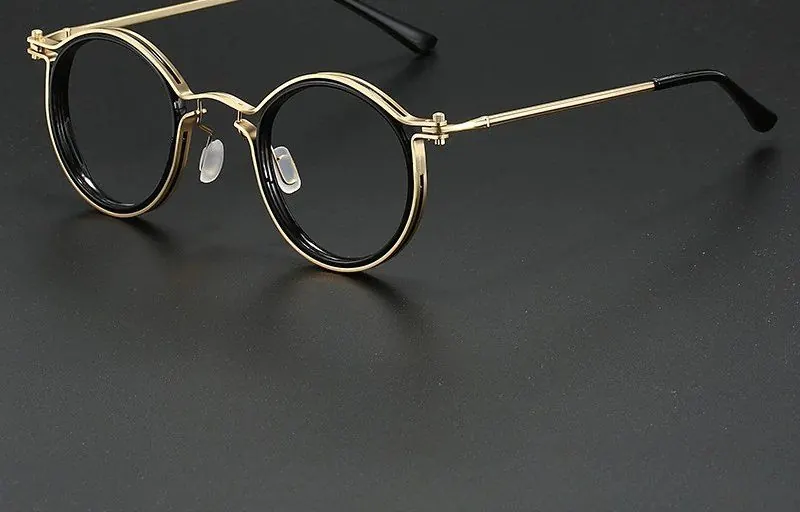
Work, WFH & Digital Life
Glasses for your computer screen setup
Quick answer
Sort your screen setup first, then choose glasses. Put the monitor about an arm's length away with the top at or just below eye level, keep windows to the side, and add a lamp. Clear lenses that filter blue light from screens, with an anti-glare coating, then deal with the reflections that are left.
Should you sort your screen setup or your glasses first?
Sort the setup first. Glasses and screen position solve overlapping problems, and a badly placed monitor will make any pair of glasses feel less comfortable.
The good news is that most setup fixes are free. Moving a desk, raising a monitor on a stack of books or adding a lamp costs little or nothing. Once the geometry is right, a lens with an anti-glare coating handles the reflections you cannot move, and the frame becomes a question of comfort and style. If you work from home most of the week, our guide to the best blue light glasses for working from home covers the frame side in more detail.
Distance, height and tilt
Three measurements do most of the work: how far away the screen is, how high it sits and how it is angled. Get these right and a long day at the desk feels noticeably easier before you buy anything.
Most laptops and many monitors sit too low out of the box. A riser, a monitor arm or a few sturdy books fixes that. If you use a laptop as your main screen, raise it and add a separate keyboard and mouse.
- Distance: about an arm's length, so your fingertips roughly touch the screen
- Height: top of the screen at or just below eye level
- Tilt: back by around ten degrees, so the screen faces your line of sight
- Centre: your main screen directly in front of you, not off to one side
- Text size: large enough that you do not lean in to read
The window rule
Keep windows to the side of your screen, never directly behind it or behind you. A window behind the monitor puts a bright field right next to the screen you are reading; a window behind you puts its reflection on the screen and on your lenses.
The fix is the same in both cases: turn the desk ninety degrees so the window is to your left or right. If the desk cannot move, a blind or a light curtain on that window is the next best thing, and cheaper than most monitor upgrades. Daylight also shifts through the day, so check your screen in the morning and the late afternoon.
Lamps, ceiling lights and the room behind you
A bright screen in a dim room is one of the most common desk mistakes. Add a lamp so the room has some light of its own, and the screen stops being the brightest thing in view.
Position matters. Point the lamp at a wall or the ceiling rather than at you or the screen. A lamp shining towards your face lands on your lenses, and one shining at the screen washes out the display. In offices with strong ceiling panels, sitting between rows of lights rather than directly under one helps, and this is where the anti-glare coating earns its keep. Our post on computer glasses for office workers covers office lighting in more depth.
Laptops and multiple monitors
Two screens double the reflective surface and usually mean more head-turning. Angle them into a shallow arc so both are roughly the same distance from your eyes, and put the one you use most directly in front of you.
Match the brightness and colour settings across both screens. A bright secondary monitor next to a dim laptop means constant readjustment every time you glance across. If you use a laptop alongside a monitor, raise the laptop to the same height so you are not switching between looking up and looking down all day.
A five-minute check for any desk
You can run this check at a home desk, a hot desk or a borrowed table in a café, and it takes about five minutes. It is worth repeating whenever you move desk, change monitor or notice the light has shifted with the seasons.
Sit down as you normally would, with your glasses on, and look at the screen for a moment before you start. Can you see any bright shapes on the screen or on your lenses? Are you looking up or sharply down? Do you find yourself leaning forward to read? Each of those points to one of the fixes above, and most of them can be solved with a book, a lamp or a quarter turn of the desk.
Finally, check your chair. Your forearms should sit roughly level with the desk and your feet flat on the floor or a footrest. A good screen position only helps if the rest of you is comfortable too.
Screen settings worth changing
A few minutes in your display settings can make a long day easier. None of these costs anything, and you can undo them in seconds if you do not like the result.
Warmer display modes and dark themes are personal preferences rather than rules. Try them for a week and keep whatever you find more pleasant.
- Match screen brightness to the room instead of running it at maximum
- Increase text scaling so you read comfortably from your normal seat
- Try a warmer colour setting in the evening if you prefer the look
- Use dark mode for long reading sessions if it suits you
- Wipe the screen, because fingerprints scatter light and look like glare
Where the lens comes in, and how to choose
With the setup sorted, a coated lens deals with what is left: the lamp behind you, the ceiling light above and the reflection off a glossy panel. Clear lenses suit most screen setups because they keep colours looking true and look normal on video calls.
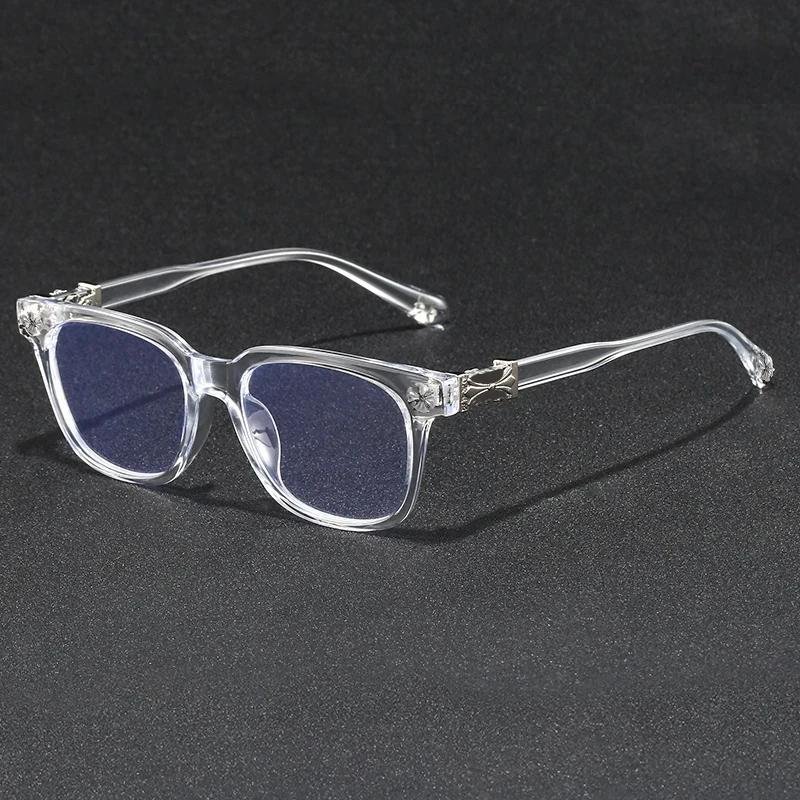
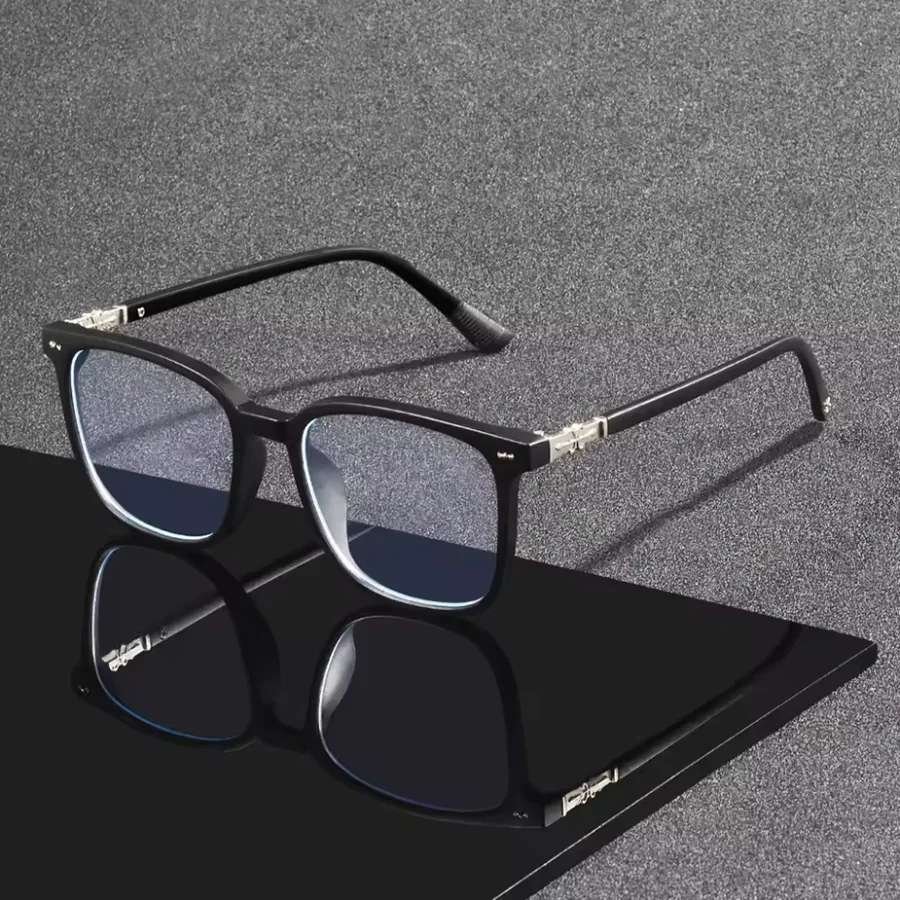
For a desk, most people pick a light square or rectangle. The Crystal Clear frame is subtle and costs £10.99, and the Slate Square at £22.99 comes with a case and cloths. For more on building your working life around screens, read our screens, work and modern digital life guide.
The computer and screen glasses collection gathers the frames most people choose for a desk. If you cannot decide between shapes, Home Try-On lets you try four at your own desk, free for seven days.
Frequently asked
How far away should my computer screen be?
About an arm's length. Sit back in your chair, reach out, and your fingertips should roughly touch the screen. Increase the text size rather than moving closer if you find yourself leaning in.
Should the top of my monitor be at eye level?
Yes, the top of the screen should be at or just below eye level so you look slightly down at the middle of it. Most laptops and many monitors need a riser to get there.
Where should my desk be in relation to a window?
Side-on to it. A window behind your screen puts a bright field in view, and a window behind you reflects onto the screen and your lenses.
How do I stop glare on my computer screen?
Move the screen so windows and lamps are to the side, point lamps at a wall or ceiling, and lower the brightness to match the room. An anti-glare coating on your glasses cuts the reflections that remain on your lenses.
Do I need special glasses for two monitors?
Not special ones, but anti-glare lenses help more on a two-screen desk because there is more light in front of you. Arrange the screens in a shallow arc at the same distance and brightness.
Is dark mode better for working at a computer?
It is a matter of preference. Some people find dark mode more pleasant for long reading, others prefer light text backgrounds. Try each for a week and keep the one you like.
Mentioned above
Frames from this guide

Work, WFH & Digital Life
More from this topic
Best blue light glasses for working from home: UK guide
The best blue light glasses for working from home are light, well-fitting frames with clear lenses and an anti-glare.
Read Work, WFH & Digital LifeComputer glasses for office workers
Computer glasses for office workers are everyday frames with lenses that filter blue light from screens and an.
Read