Work, WFH & Digital Life
Computer glasses for office workers
Quick answer
Computer glasses for office workers are everyday frames with lenses that filter blue light from screens and an anti-glare coating. In an office the coating does a lot of the work, because ceiling panels and large windows put bright reflections on uncoated lenses. Choose a light, professional frame you can wear all day.
What are computer glasses, and do office workers need them?
Computer glasses are glasses designed for screen work: clear or lightly filtering lenses, an anti-glare coating and a frame comfortable enough to wear through a full working day. The terms computer glasses, screen glasses and blue light glasses are used for much the same thing.
Nobody needs them in the way you need a desk and a chair. Plenty of office workers choose them because they like how the coating cuts glare from overhead lights and how a smart frame looks in meetings. If you spend most of the day at a monitor, they are a small, affordable comfort upgrade rather than an essential.
Why office lighting makes anti-glare the key feature
Offices are harder on lenses than most homes. A typical open-plan floor has rows of ceiling panels above every desk and often a wall of glass down one side. Both bounce off an uncoated lens as bright shapes sitting between you and your screen.
An anti-glare coating cuts glare and reflections from those light sources, so a distinct bright panel becomes a faint sheen you stop noticing. That is why it matters more in an office than almost anywhere else. Every pair in our computer and screen glasses collection has lenses that filter blue light from screens, and anti-glare is the feature worth checking for first.
Where to sit, if you get a choice
Sit side-on to the window if you can. Facing a window puts a bright field behind your monitor; backing onto one puts the window's reflection on your screen and your lenses.
Hot-desking makes this harder, because you rarely get the same spot twice. It is worth arriving with a quick routine so any desk can be adjusted in a couple of minutes.
- Choose a desk at ninety degrees to the nearest window
- Avoid sitting directly under the brightest ceiling panel
- Raise the monitor so the top sits at or just below eye level
- Pull the screen to about an arm's length away
- Lower the screen brightness to match the room
What your employer has to provide
UK employers have duties under the display screen equipment (DSE) regulations, overseen by the HSE. If you use a screen daily for continuous periods of an hour or more, you are likely to count as a DSE user.
For DSE users, your employer should carry out a workstation assessment, and must arrange and pay for an eye test if you ask for one. If the test shows you need glasses specifically for screen work, your employer has to pay for a basic pair. That is an entitlement, not a favour, so it is worth asking HR or your manager about the DSE policy.
- A DSE workstation assessment
- An employer-funded eye test, on request
- A contribution to basic glasses if the test shows you need them for screen work
- Adjustable seating and a screen you can position properly
- Training on setting up your workstation
Frames that look right in an office
A slim rectangle or square in black, gunmetal, navy or tortoiseshell looks professional without being invisible. Nothing dramatic is needed, and a defined frame also photographs well on video calls with clients.
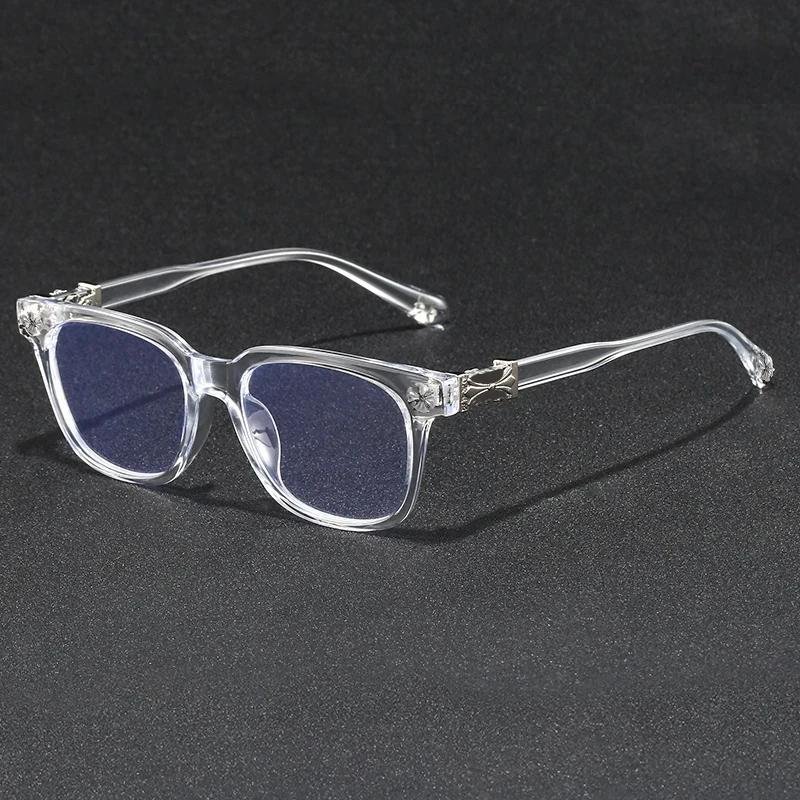
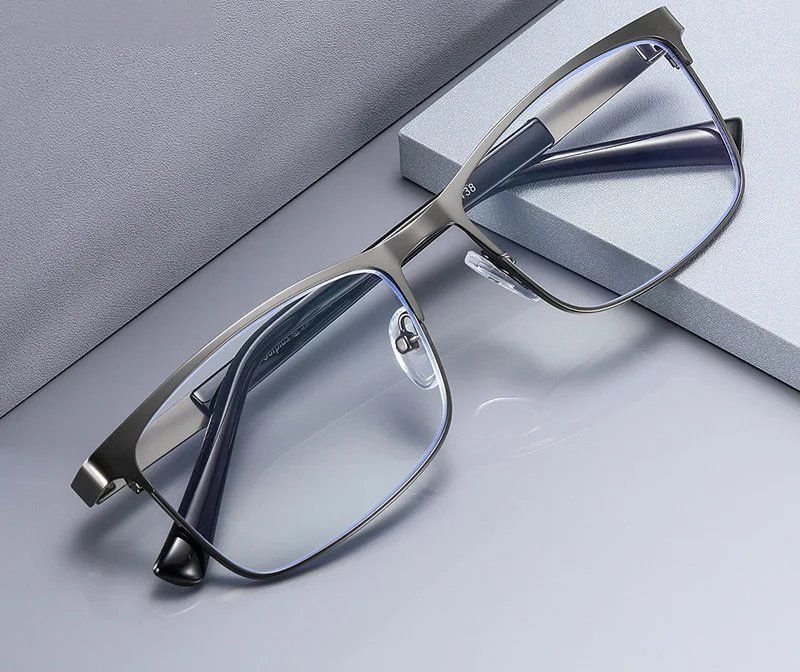
The Slate Square at £22.99 is a slate-grey square that comes boxed with a case and cloths, which suits a desk drawer. The Crystal Clear frame at £10.99 is a lighter-looking option with a flash of silver at the hinge. Browse the rectangle and square collections if you want to compare shapes side by side.
If you already wear glasses or readers
If you wear prescription glasses, the simplest upgrade is to add a blue light filter and anti-glare coating to your next pair. Our prescription range is built for exactly that, so you are not stacking two pairs.
If you use reading glasses for documents, a reader with the filter built in covers the page and the monitor in one. The Boardroom readers are a gunmetal rectangle that looks sharp in the office. Bear in mind that a monitor sits further away than a book, so some people prefer a slightly weaker strength for screen work.
Staying comfortable through a long office day
An office day is often longer than a home one once you add the commute at each end, so the frame needs to be comfortable for ten hours rather than eight. The places a frame tends to make itself felt are behind the ears, on the bridge of the nose and under a headset.
Check the fit before you commit. The frame should sit level, not slide down when you look at your keyboard, and not press at the temples. If a frame feels even slightly tight in the first few minutes, it will feel tighter by mid-afternoon.
Habits matter as much as the frame. Stand up between meetings, take lunch away from your desk and use the walk to the kitchen as a chance to look at something further away than your screen. Many people use the 20-20-20 habit to build that in: every twenty minutes, look at something about twenty feet away for twenty seconds. For a wider look at working life around screens, our screens, work and modern digital life guide is a good next read.
Making one pair last the working week
Office glasses travel: desk, meeting room, bag, train and back. Most scratches happen in transit, not at the desk, so a few small habits keep a pair looking new.
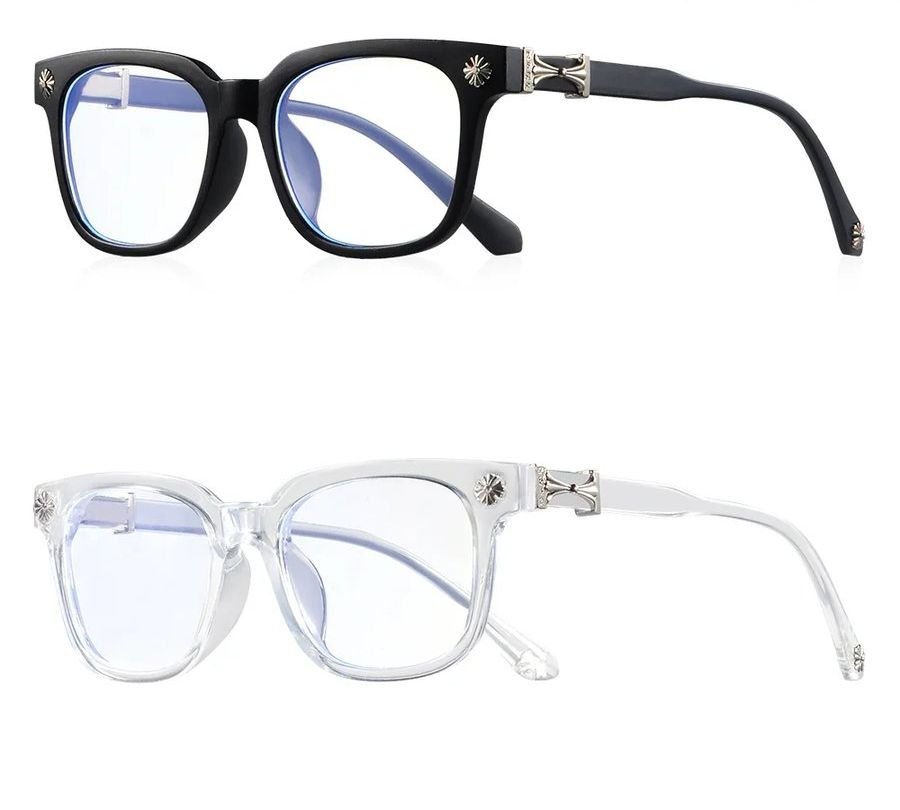
Use the case every time the glasses leave your face, clean the lenses with a microfibre cloth rather than a shirt sleeve, and keep a spare in a desk drawer if you tend to forget them. A twin pack, such as the Studio Square Twin Pack at £12.99, gives you one black and one clear frame for exactly that.
Orders are dispatched within 48 hours, with free UK delivery over £20 and a 30-day money-back guarantee. Want to see a frame on your face first? Try up to four with Home Try-On, free for seven days.
Frequently asked
Will my employer pay for computer glasses?
If you are a display screen user, your UK employer must pay for an eye test on request. If the test shows you need glasses specifically for screen work, they must pay for a basic pair. Ask HR about the DSE policy.
Are computer glasses the same as blue light glasses?
The terms are used interchangeably. Both usually mean lenses that filter blue light from screens, often with an anti-glare coating. The frame and coating matter more than the name on the label.
Do office workers need anti-glare lenses?
They are the most useful feature for office work. Ceiling panels and large windows put bright reflections on uncoated lenses, and an anti-glare coating cuts those reflections.
What is a DSE assessment?
It is a check of your workstation covering your chair, screen position, lighting and how you work. UK employers should carry one out for display screen users, and it is a good moment to ask about an eye test.
Can I get computer glasses if I already wear prescription glasses?
Yes. The simplest route is a prescription pair with a blue light filter and anti-glare coating, so you only need one pair at your desk.
What frame style looks professional in an office?
Slim rectangles and squares in black, gunmetal, navy or tortoiseshell look smart without drawing attention. A defined frame also reads well on client video calls.
Mentioned above
Frames from this guide

Work, WFH & Digital Life
More from this topic
Best blue light glasses for working from home: UK guide
The best blue light glasses for working from home are light, well-fitting frames with clear lenses and an anti-glare.
Read Work, WFH & Digital LifeGlasses for your computer screen setup
Sort your screen setup first, then choose glasses. Put the monitor about an arm's length away with the top at or just.
Read