For Gamers & Gaming Culture
PC gaming glasses for long sessions: comfy picks
Quick answer
For long PC sessions, choose the frame first: light, with slim flat arms that sit under a headset and a bridge that stays put. Then pick the lens, clear for competitive games and streaming or amber for dark-room late nights, with an anti-glare coating to cut reflections from lamps and windows.
What should you look for in glasses for long PC sessions?
A light frame, slim arms and a secure fit, in that order. Over a short session almost any pair feels fine; across five or six hours small annoyances grow into the reason you take them off.
PC setups are demanding in a particular way. You sit close to a bright monitor, often with the headset on all evening, and your head moves constantly between the main screen, a second monitor and the keyboard. A frame that slips, pinches or feels heavy on the nose will get pushed up, adjusted and eventually abandoned.
Lenses matter too, but less than people expect. Ours filter blue light from screens and the anti-glare coating cuts glare and reflections. That job does not change much between hour one and hour six. The comfort of the frame does.
Why does frame weight matter more the longer you play?
Because the weight sits on the bridge of your nose and the tops of your ears the whole time, and a few extra grams you ignore at 8pm are much harder to ignore at 1am.
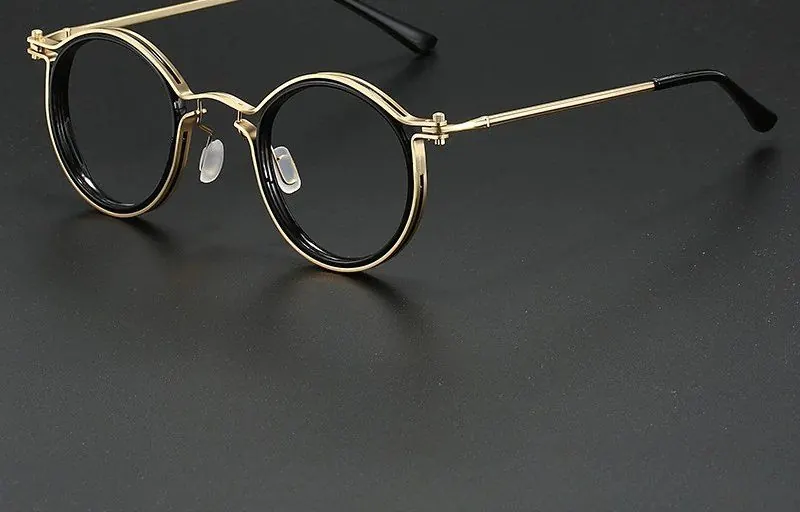
Material is the quick guide. Flexible TR90 plastic and thin metal frames tend to be the lightest. Thick acetate looks and feels premium in the hand, and some people love it, but it usually carries more weight. If you already know a heavy frame bothers you, lean towards lighter materials and slimmer fronts.
Frame size plays a part as well. An oversized front puts more material ahead of your face, which tips weight forward onto the nose. A mid-sized square or round keeps the balance closer to the ears.
How do you stop glasses pinching under a headset?
Choose slim, flat arms and put the glasses on before the headset, not after. Sliding arms in under an already clamped earcup is how they end up pressed at an awkward angle.
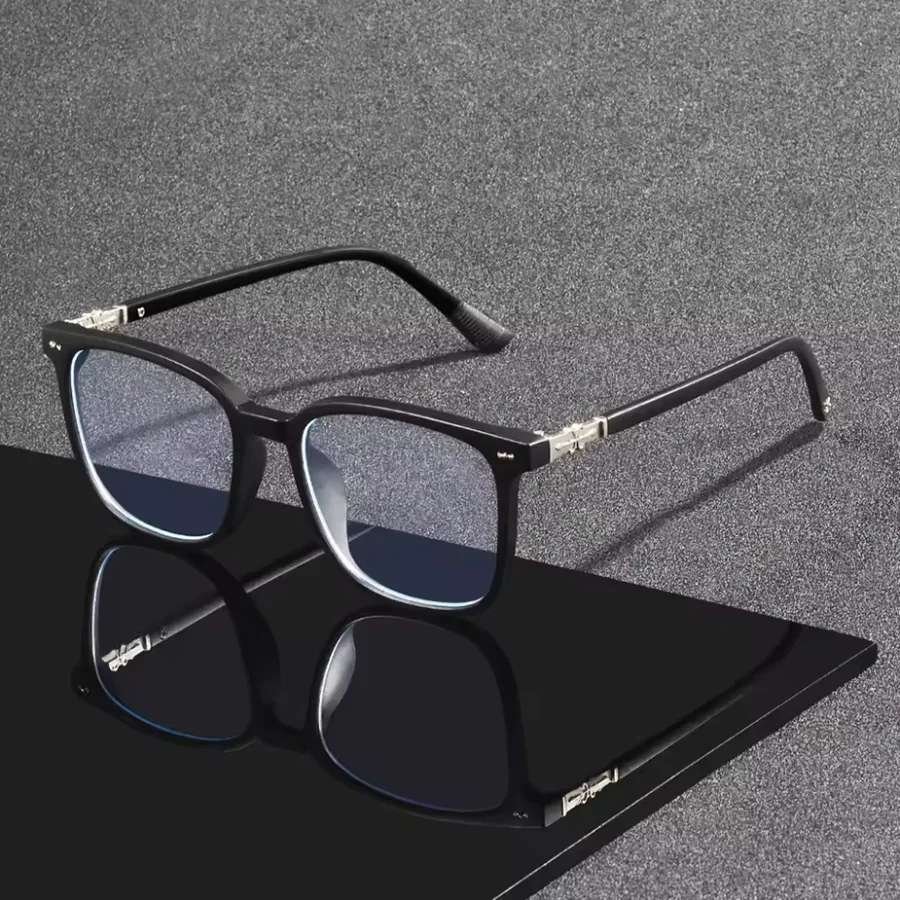
If you wear a headset every session, the Midnight Square is a sensible starting point: a matte black square with clear lenses and slim arms that sit comfortably under earcups.
- Glasses on first, then the headset, then settle the earcups over the arms
- Slim or flat arms rather than thick acetate
- Spring hinges that give a little under clamping pressure
- Arm tips that curve gently rather than hooking tightly
- Loosen an adjustable headband a notch if the clamp is very firm
- Fabric earcup cushions often sit more forgivingly over arms than tight leatherette
Clear or tinted lenses for marathon PC gaming?
Clear if your games depend on colour or you stream; amber if you play slower games in a dim room late at night. There is no wrong answer, just a trade-off between colour accuracy and a warmer picture.
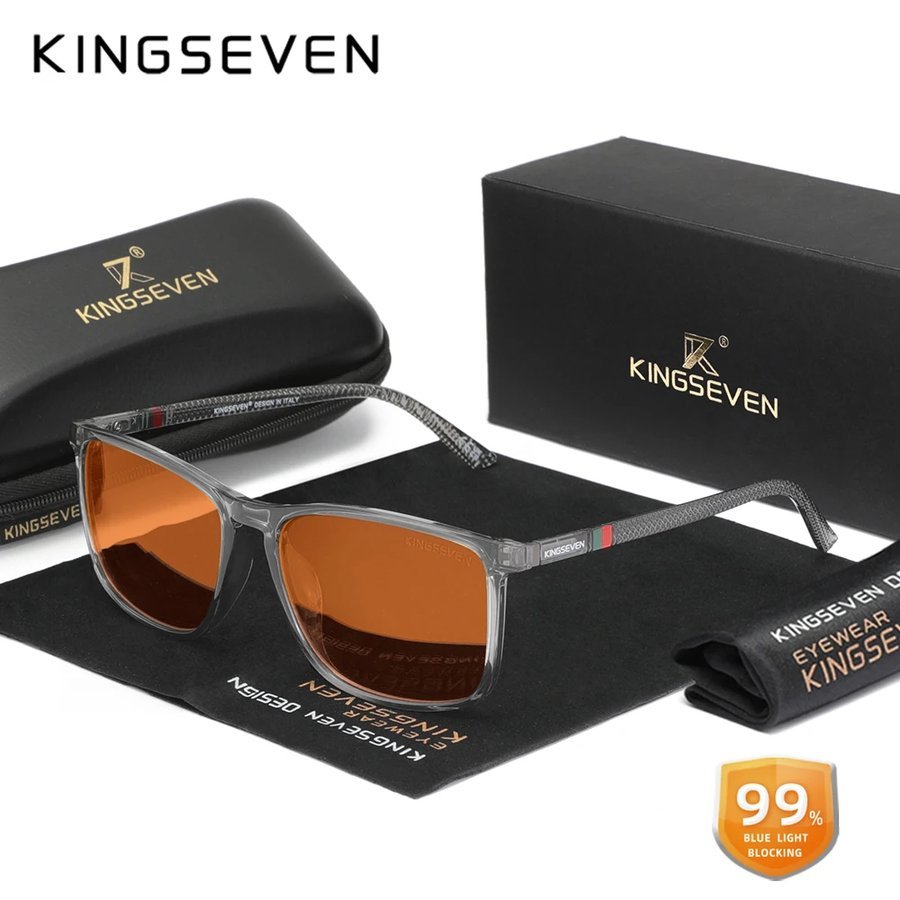
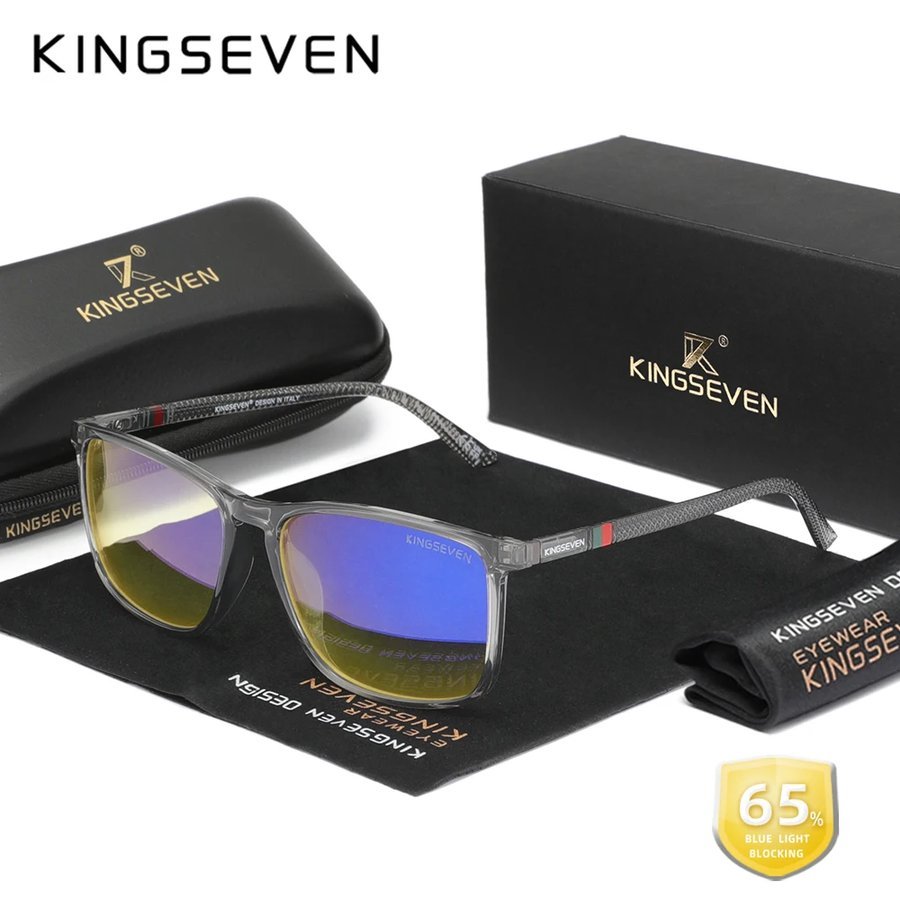
A long evening often covers both: ranked matches early on, a single-player game or a video later. Plenty of players keep a clear pair for the first half and switch to the Amber Lens Gaming Glasses once the room lights go off. At everyday prices, two pairs is not an extravagant setup.
For frames sorted by type of player, see the best blue light glasses for gaming in the UK.
How should you set up your monitor for long sessions?
Put the screen at roughly arm's length with the top of the panel at or slightly below eye level, and keep some light on in the room. Glasses help at the margins; the setup does more of the work.
A dark room with a bright panel is the classic gaming look and the least comfortable one for long stretches. A soft light behind the monitor keeps the atmosphere without the stark contrast.
- Sit back and reach out: your fingertips should roughly touch the screen
- Top of the monitor at or just below eye level; a riser or a stack of books is fine
- A lamp or bias light so the monitor is not the only light in the room
- Screen brightness roughly matched to the room rather than turned all the way up
- Monitor angled away from windows so daylight does not bounce off it
What habits make a long session easier?
Short breaks between matches and clean lenses. Neither is exciting, and both make a bigger difference across a long night than any single piece of kit.
Use the natural pauses the game gives you. Queue times, loading screens and the gap between raids are all chances to look across the room, stand up and move about for a minute. It costs nothing and you come back to the desk feeling fresher.
Keep a microfibre cloth by the keyboard as well. Smudges from fingers and snacks make any lens look hazy under a bright monitor, and a quick wipe lets the anti-glare coating do its job. Store the pair in its case rather than face-down on the desk.
Is it worth having a second pair for long sessions?
Often, yes. A second pair means one can live at the desk and the other in a bag or by the sofa, so you are never playing without the frame you are used to.
It also lets you split lenses by time of day: clear for ranked matches and daytime work, amber for late, dim-room sessions. If you would rather keep both the same shape, the Studio Square Twin Pack gives you one black and one clear frame in a single order.
Whatever you choose, give each pair a fixed home. Glasses that go back into a case in the same spot every night last longer and are always where you reach for them when the next session starts.
Where should you start?
If you want to compare frames under your own headset before choosing, use our Home Try-On: up to four frames for seven days, free. Otherwise, browse the gaming range and order with a 30-day money-back guarantee and free returns.
Delivery is free on UK orders over £20, and everything is dispatched within 48 hours. The UK gamer's guide to gaming glasses covers the wider picture if you are still weighing things up.
Judge a frame the easy way: wear it for a full evening before deciding. If you are not thinking about it by the second hour, it is the right pair.
Frequently asked
Do gaming glasses help with long gaming sessions?
Many players find them more comfortable over long sessions because the lenses filter blue light from screens and the coating cuts glare. The bigger factors are a light frame, a sensible monitor setup and regular short breaks.
What are the most comfortable glasses to wear with a headset?
Light frames with slim, flat arms and spring hinges. Put the glasses on first and settle the earcups over the arms so they sit flat against your head.
Are TR90 frames lighter than acetate?
Generally, yes. TR90 is a flexible plastic used for light frames, while acetate is usually thicker and heavier, although it gives a more solid, glossy look.
Should I use clear or amber lenses for PC gaming?
Use clear lenses for competitive games, colour-critical work and streaming. Amber lenses filter more blue light from screens and suit slower games in a dim room late at night.
How often should I take a break when gaming?
There is no magic number, but using natural pauses such as queue times and loading screens to look away and stand up is an easy habit. Short, regular breaks are easier to stick to than long ones.
Can I wear gaming glasses for work as well?
Yes. A pair with clear lenses works just as well for a working day at a laptop as it does for an evening of games, which is why many people use one frame for both.
Mentioned above
Frames from this guide
For Gamers & Gaming Culture
More from this topic
Best blue light glasses for gaming UK: what to buy
The best blue light glasses for gaming in the UK are light frames with slim, flat arms that sit under a headset without.
Read For Gamers & Gaming CultureScreen glasses for gamers and streamers
Streamers need everything gamers need, plus a pair that looks right on camera. That means an anti-glare coating so your.
Read