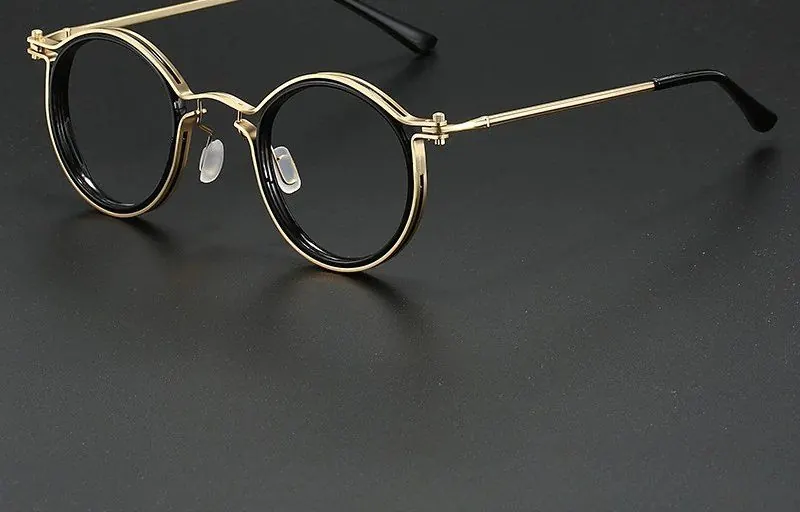
For Gamers & Gaming Culture
Console vs PC gamers: which glasses suit which setup
Quick answer
PC players sit close to a bright monitor, usually wearing a headset, so a light frame with slim arms matters most. Console players sit further from a TV in a lit room, where reflections from lamps and windows matter more. An anti-glare coating suits both, and a light, slim-armed frame covers every setup.
Do console and PC gamers need different glasses?
Not different lenses, but different frame priorities. The same lens that filters blue light from a monitor does the same with a TV; what changes is distance, lighting and whether a headset is involved.
It helps to picture the two setups. A PC player sits roughly an arm's length from a monitor, often in a dim bedroom or study, headset clamped on for hours. A console player is usually on a sofa a few metres from a big TV, in a shared room with lamps, windows and people walking past. Same hobby, very different surroundings.
Handheld players on a Steam Deck or Switch add a third setup: a small screen held close, often on the move.
What matters most for a PC setup?
Frame weight and headset fit. PC sessions tend to be long and close to the screen, and the headset is usually on the whole time.
Because PC players often play with the lights low, a bright monitor against a dark wall is the main thing to sort out, and a lamp or bias light does more than any lens for that. Our guide to PC gaming glasses for long sessions covers the desk side in more detail.
- A light frame you forget about after the first hour
- Slim, flat arms that sit under earcups
- A bridge or nose pads that stop the frame sliding as you lean in
- Clear lenses for competitive games; amber can suit a dark room late on
What matters most for console gaming on a TV?
The anti-glare coating. In a living room, reflections from ceiling lights, lamps and windows are far more likely to land on your lenses than in a dim PC corner.
Sitting further back means the TV takes up less of what you see, so the room's own lighting plays a bigger part. A window behind you can put a bright patch on both the TV and your lenses; a lamp beside the sofa can do the same. Coated lenses cut those reflections, and moving the lamp or closing a blind sorts out the rest.
Weight matters a little less on the sofa, especially if you use the TV speakers rather than a headset. That gives you more freedom on style: a chunkier frame or bolder shape that would pinch under earcups is perfectly fine for an evening of couch co-op.
What about handheld gaming?
Portability comes first. A handheld goes in a bag, on a train or onto the sofa, so the glasses need to travel as well as the console does.
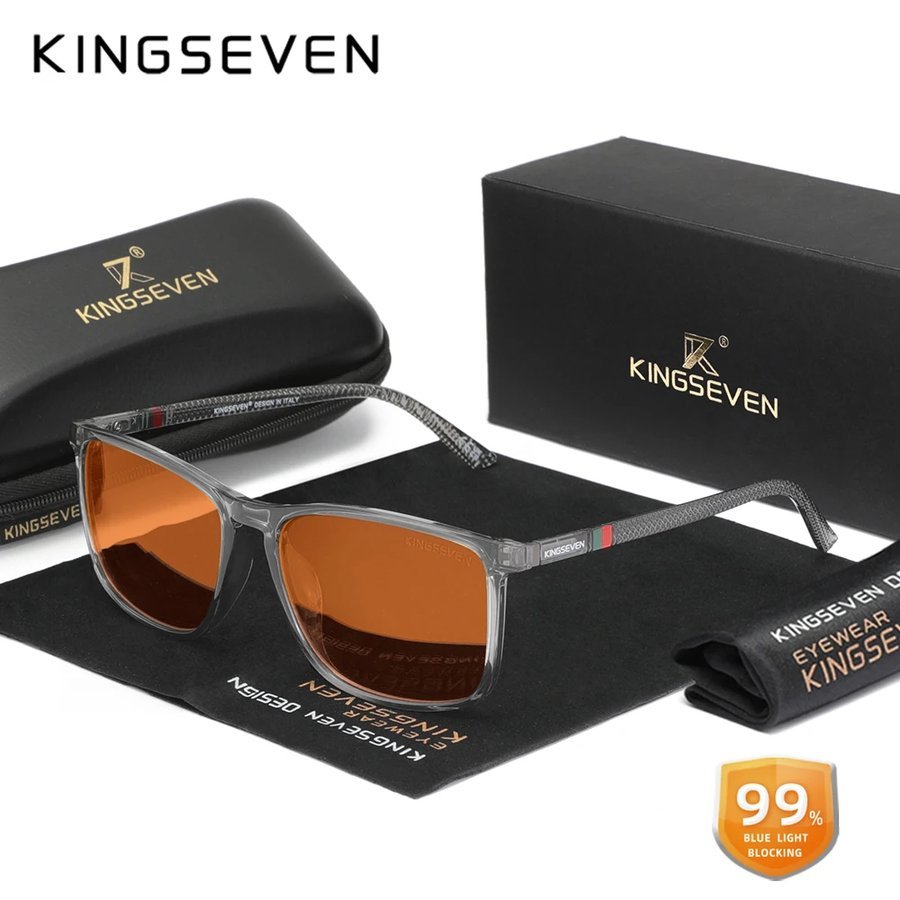
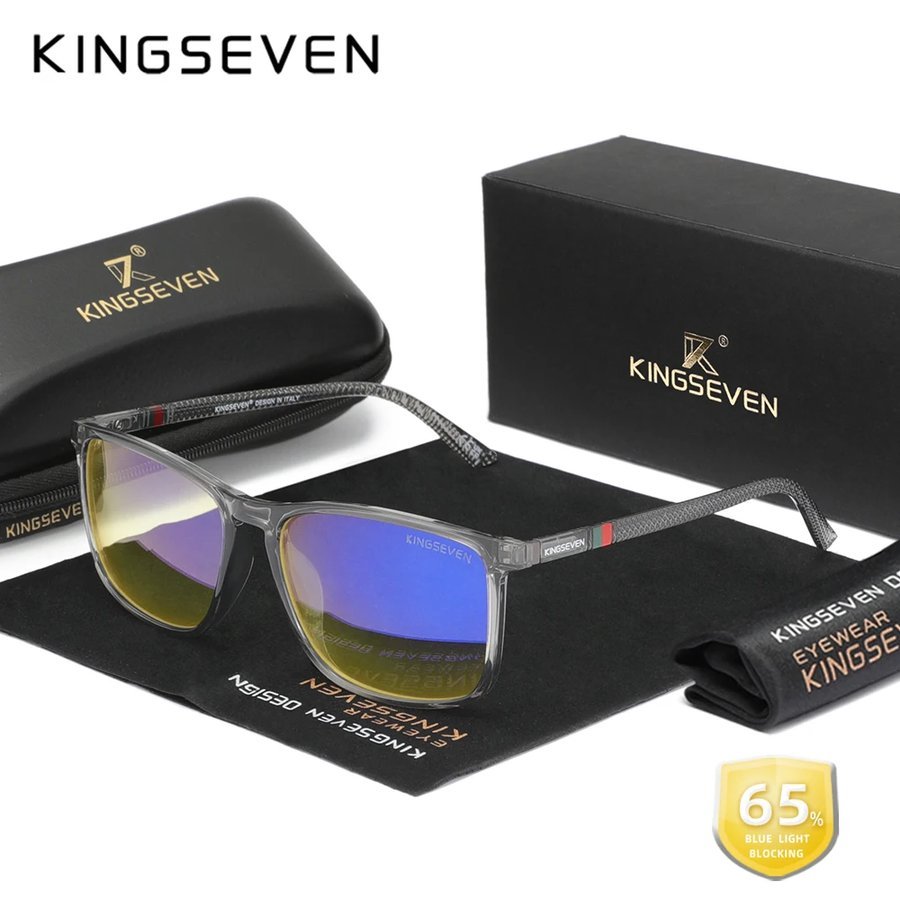
Glasses tossed loose into a rucksack pick up scratches quickly. A pair that comes with a hard case, like the Amber Lens Gaming Glasses or the Slate Square, both boxed with zip cases, copes with travel far better.
Lighting on the move is unpredictable, from bright train windows to a dim living room, so clear lenses are usually the more flexible choice for handheld play. Save tinted lenses for evenings at home.
Clear or amber: does the platform change the answer?
Only slightly. Clear lenses suit competitive play on any platform and shared living rooms where you might be chatting or watching telly too. Amber suits dim-room late sessions, which describes more PC setups than console ones.
On a family TV, an amber tint also shifts the colours for you but not for anyone else on the sofa, which can make it awkward to agree on brightness or picture settings. Clear keeps everyone looking at the same picture.
Explore both in the clear collection and the orange-tint range, or read screen glasses for gamers and streamers if you also broadcast your play.
Can one pair cover PC, console and handheld?
Yes: buy for the PC setup and it will cover the rest. A light frame with slim arms and clear, anti-glare lenses works just as well on the sofa or on a train.
The reverse is not true. A heavier frame that feels fine for an hour of console play tends to become annoying under a headset. So if you play across platforms, let the most demanding setup make the decision.
One pair for everything also keeps things simple. There is no hunting for the right glasses before a quick match, and the frame you know fits is always the one on your face, whichever screen you happen to be playing on that evening.
- PC: lightest frame, slim arms, headset-friendly
- Console: anti-glare coating first, more freedom on style
- Handheld: clear lenses and a hard case
- All three: buy for the PC setup and it covers the rest
How do you cut glare in a living room setup?
Start with the room, then the lenses. Most TV glare comes from a window or lamp that sits opposite the screen or directly behind your seat.
Coated lenses handle what is left, which is why an anti-glare coating is the single most useful feature for console players in shared rooms.
A setup that looks fine on a Saturday afternoon can behave very differently on a Tuesday night, so check it at the time you actually play.
- Close blinds or curtains for daytime sessions, especially on sunny afternoons
- Move lamps so they sit beside or behind the TV rather than opposite it
- Use warm, dimmable bulbs for evening play instead of bright ceiling lights
- Sit square to the screen rather than at a sharp angle, where reflections are worse
- Wipe the TV and your lenses, as dust and fingerprints both scatter light
Finding the right pair for your setup
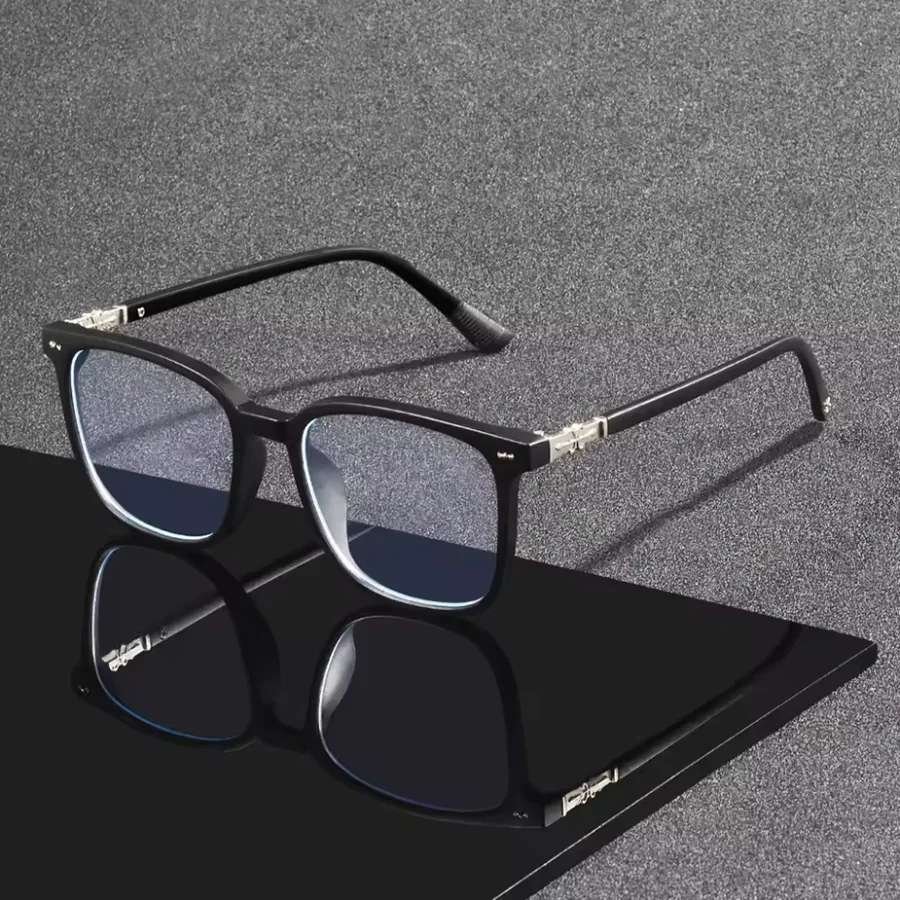
The Midnight Square is our all-platform pick: matte black, clear lenses, slim arms that sit under a headset, and a look that works on the sofa too. For more shapes, browse the full gaming range.
If you want to test frames in both setups, Home Try-On sends up to four frames for seven days, free. Wear them at the desk and on the sofa, then keep the one you like. For the bigger picture, read the UK gamer's guide to gaming glasses.
Frequently asked
Do blue light glasses work for console gaming?
Yes. A TV is a screen like any other, so the lenses filter blue light from it in the same way. The anti-glare coating is especially useful in living rooms with lamps and windows.
Do I need gaming glasses if I sit far from the TV?
You do not need them, but some people like them for long sessions. At a distance, reflections from room lighting become the bigger issue, which a coated lens and sensible lamp placement both help with.
Are PC gaming glasses different from console gaming glasses?
The lenses are the same. PC players benefit most from a light frame with slim arms for headset use, while console players can prioritise the anti-glare coating and style.
What glasses are best for Steam Deck or Nintendo Switch?
Clear lenses that cope with changing light, and a pair that comes with a hard case so it survives a bag. A light frame helps if you play with headphones on.
Can I use the same glasses for gaming and watching TV?
Yes. The same pair works for a monitor, a TV, a laptop and a phone. Choose clear lenses if you want one pair for everything.
Mentioned above
Frames from this guide
For Gamers & Gaming Culture
More from this topic
Best blue light glasses for gaming UK: what to buy
The best blue light glasses for gaming in the UK are light frames with slim, flat arms that sit under a headset without.
Read For Gamers & Gaming CulturePC gaming glasses for long sessions: comfy picks
For long PC sessions, choose the frame first: light, with slim flat arms that sit under a headset and a bridge that.
Read For Gamers & Gaming CultureScreen glasses for gamers and streamers
Streamers need everything gamers need, plus a pair that looks right on camera. That means an anti-glare coating so your.
Read