For Gamers & Gaming Culture
Screen glasses for gamers and streamers
Quick answer
Streamers need everything gamers need, plus a pair that looks right on camera. That means an anti-glare coating so your key light does not show as bright patches on the lenses, clear rather than tinted lenses, and a dark, defined frame that still reads clearly on a webcam.
What do streamers need from glasses that other gamers do not?
A frame that looks good on camera and lenses that do not throw your lighting back at viewers. Comfort under a headset still matters, but on stream the glasses are also part of your look.
When you play off camera, nobody sees the reflections on your lenses or how a frame sits on your face. On stream, your face may be on screen for hours, often in a small box in the corner where every detail is compressed. Small things like a glossy lens or a frame that disappears against your skin tone suddenly become noticeable.
The good news is that most fixes are cheap, and several cost nothing at all. Where you put your lights solves more than any product does.
How do you stop glasses reflecting on stream?
Raise your key light and angle it down, move lights to the sides, and wear anti-glare coated lenses. Reflections happen when a light sits at the same height as your eyes and points straight at you.
Change one thing at a time and check the preview after each change. Most setups are fixed by the first two steps.
- Raise the key light above head height and tilt it down, roughly 30 to 45 degrees
- Move lights off to the sides rather than directly behind the webcam
- Tilt the glasses very slightly forward on your nose to drop reflections out of shot
- Use a larger, diffused light rather than a small, bright one
- Lower your monitor brightness if it is lighting your lenses from below
- Check the result in your streaming software preview, not in a mirror
Why does an anti-glare coating matter more on camera?
Because a bare lens reflects light as bright white patches that viewers see instead of your eyes. An anti-glare coating cuts those reflections so the lens looks clearer on screen.
Every lens we sell has an anti-glare coating, and on stream it is arguably more useful than the blue light filter itself. It will not make a badly placed light vanish completely, but it turns a distracting glare into a faint sheen that most viewers never notice.
Keep the lenses clean too. Fingerprints scatter light, which shows up as a hazy look under bright key lights. A microfibre cloth next to the mic is part of a sensible streaming kit.
Which frames look best on a webcam?
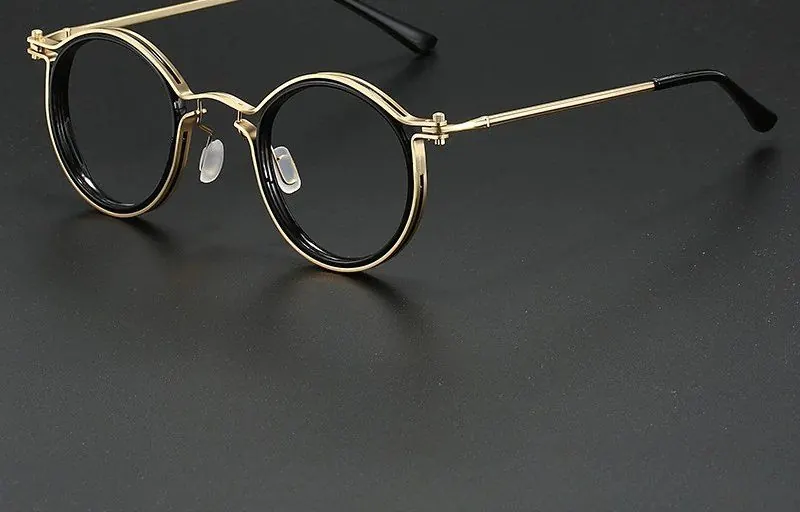
Dark, defined frames. Black squares and browlines give the camera a clear edge to hold on to, while thin wire frames and fully clear plastic tend to fade into the background under bright lighting.
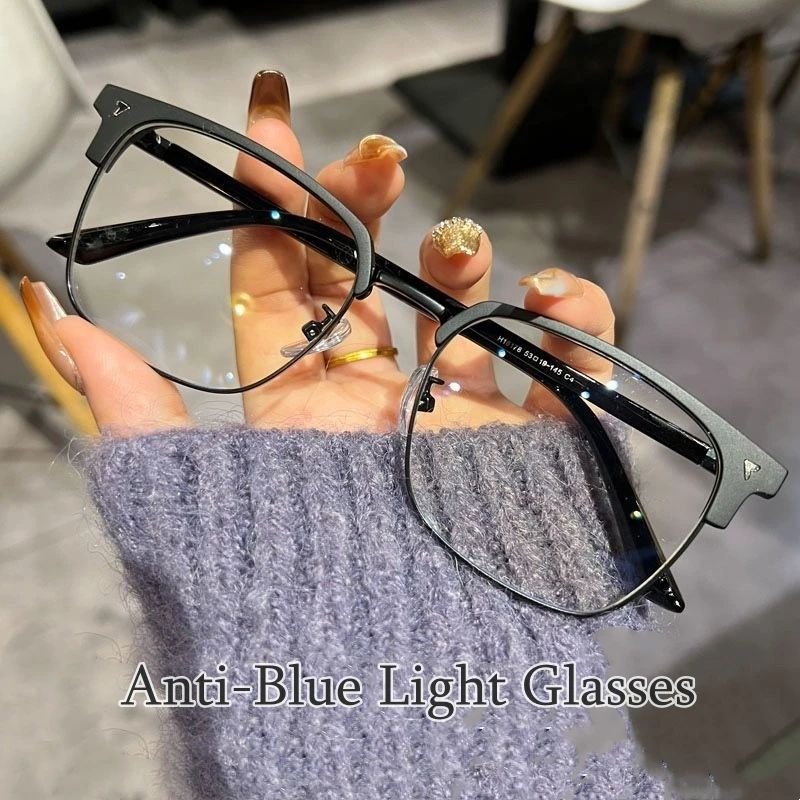
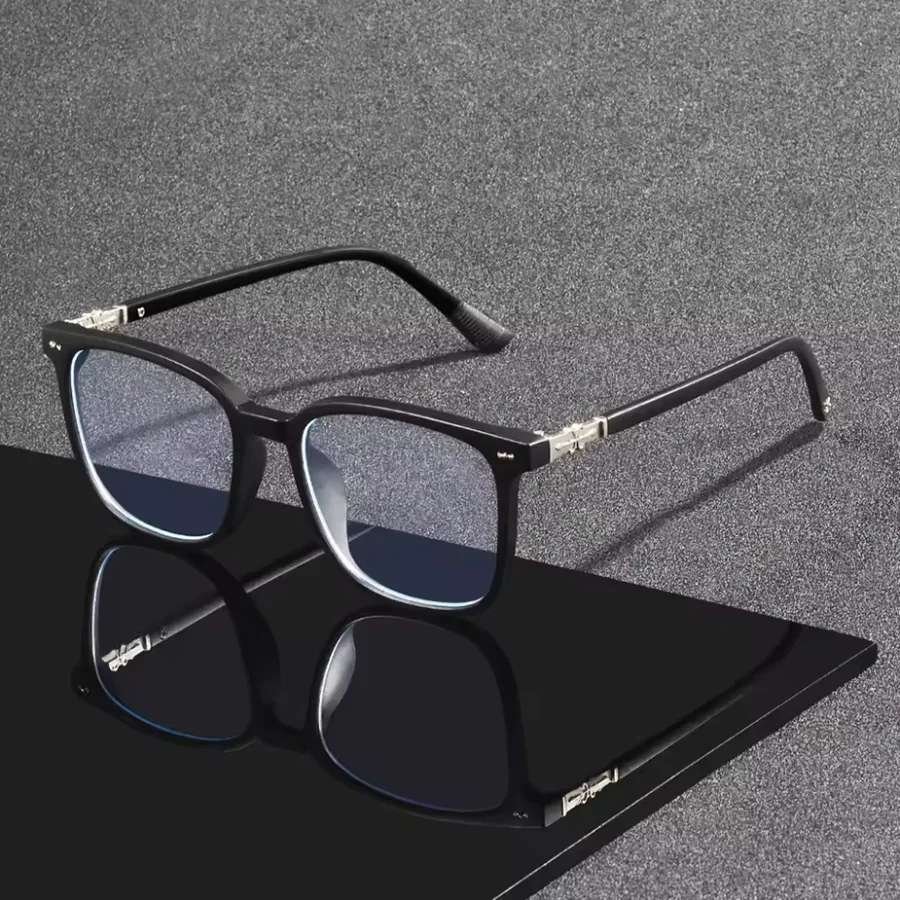
Webcams compress detail and flatten faces, so a frame that looks bold in the mirror can look faint on a stream. A slightly heavier top bar, like the one on the Browline, or a solid square like the Midnight Square, keeps its shape on screen.
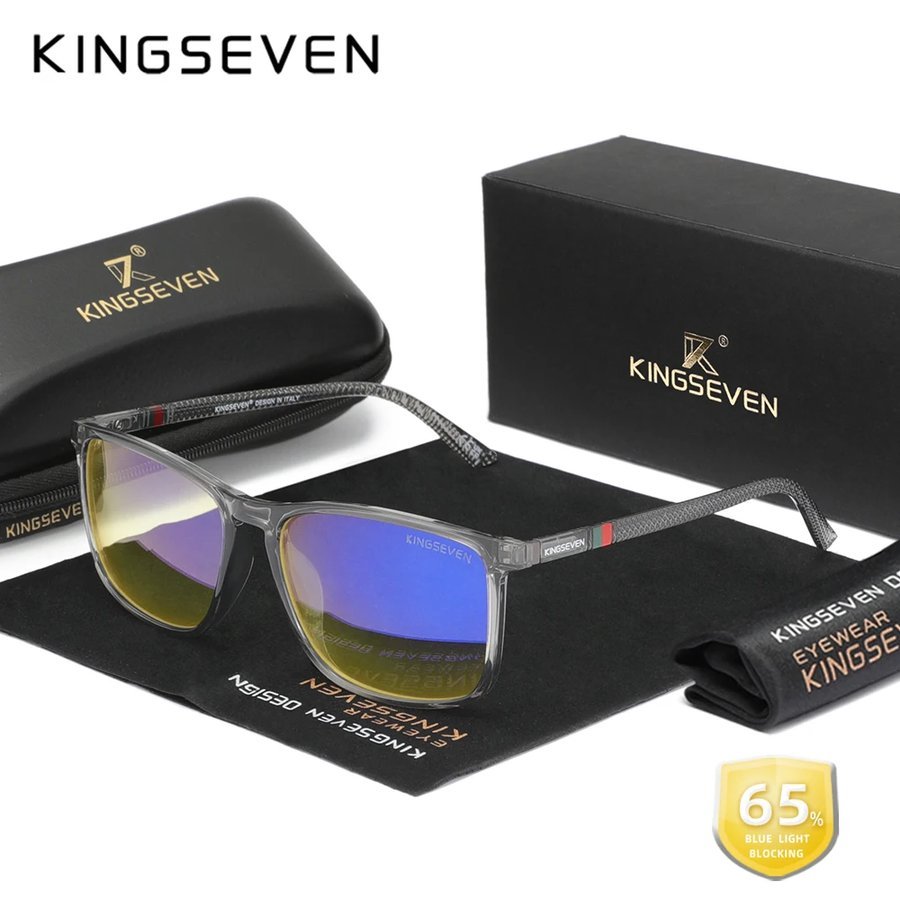
Colour is personal. Black is the reliable default. Tortoiseshell reads warmer and softer. Translucent grey, like the Slate Square, sits between the two and suits RGB-heavy backgrounds. Browse the black frames if you want the classic streaming look.
Should streamers wear clear or amber lenses?
Clear lenses on camera, almost always. Amber and orange tints show up as a colour cast over your eyes, and your camera's white balance tries to correct it, which can make your whole face look slightly off.
That does not make tinted lenses a bad buy. They filter more blue light from screens than clear ones, and plenty of people like the warmth for off-camera sessions. Just keep them for the late solo games after you have ended the stream.
If you want both, a clear pair at the desk and an amber pair in the drawer is an easy, affordable setup.
How do you stay comfortable through a long stream?
Pick a light frame with slim arms. Streamers tend to wear a headset for longer than most players, and they talk, lean and move about more too.
Streaming shifts also run past the game itself: setting up scenes, reading chat, editing clips afterwards. A pair that works for all of that saves swapping glasses constantly. Spring hinges and adjustable nose pads help a frame stay put while you move.
It is worth settling on one frame and sticking with it. Regular viewers get used to how you look on screen, and a consistent frame becomes part of your channel's identity in the same way a particular hoodie or mic arm does. For general frame advice, start with our pick of the best gaming glasses.
What if you wear prescription glasses on stream?
The same rules apply: an anti-glare coating, a defined frame and lights placed above and to the side. Depending on your prescription, lenses can be thicker at the edges and catch more light, so light placement matters even more.
If you want a dedicated streaming pair with your own lenses, browse our prescription range and pick a frame with a clear outline. Keep your current prescription from your optician to hand when you order.
It is also worth checking how your frame looks with your headset on camera. Some headsets sit over the arms and change the outline of the frame, so run a quick preview with both on before settling on a pair.
Our picks for streaming
These frames tick the camera boxes: clear lenses with an anti-glare coating and a shape that holds up on a webcam.
Not sure which suits your face on camera? Order up to four frames through Home Try-On and test each one in your own streaming software for seven days, free. For fit and headset advice, read the UK gamer's guide to gaming glasses.
- Browline: defined top bar and adjustable nose pads
- Midnight Square: matte black with slim, headset-friendly arms
- Slate Square: translucent grey, boxed with a zip case
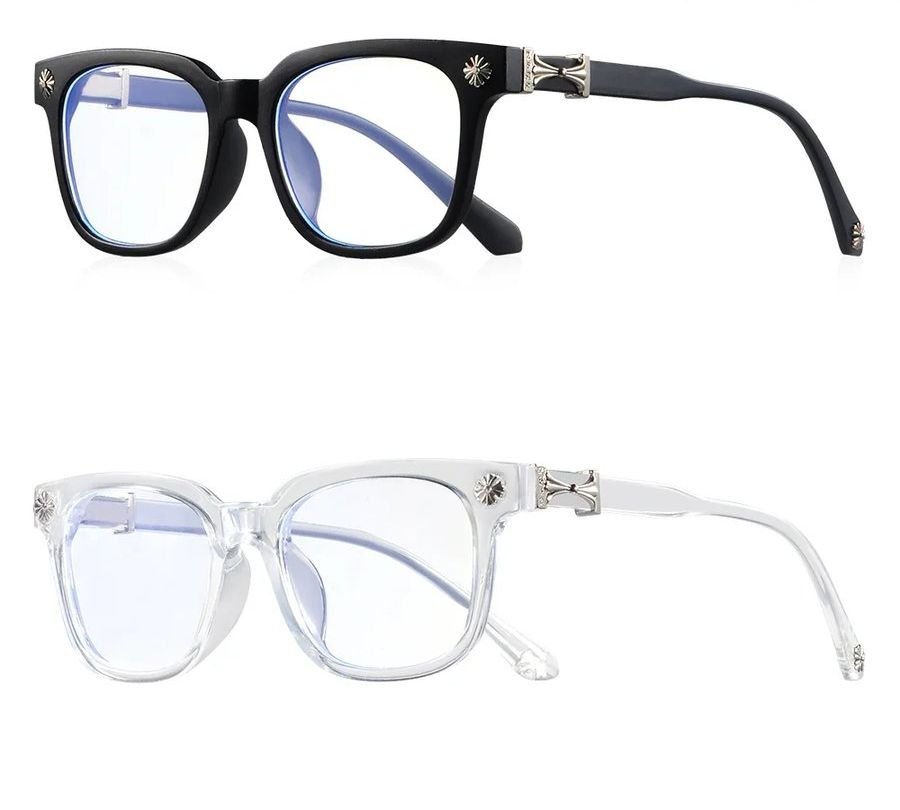
- Studio Square Twin Pack: one black and one clear square, so you can test which suits your lighting
Frequently asked
How do I stop my glasses glaring on camera?
Raise your key light above head height and angle it down, or move lights to either side of the camera. Anti-glare coated lenses cut most of what is left.
What glasses look best on a webcam?
Dark, defined frames such as black squares and browlines. They keep a clear outline after video compression, while thin wire and clear plastic frames tend to fade away.
Should I wear blue light glasses while streaming?
If you like them, yes. Choose clear lenses with an anti-glare coating so they look natural on camera, and a dark frame so they show up clearly.
Why do my glasses look white on stream?
Your key light or monitor is reflecting off the lens surface. Raise and angle the light, lower the monitor brightness and use anti-glare coated lenses.
Do anti-glare lenses remove all reflections?
Not entirely. They cut reflections noticeably, but a bright light aimed straight at your face can still show. Moving the light is the most effective fix.
Mentioned above
Frames from this guide
For Gamers & Gaming Culture
More from this topic
Best blue light glasses for gaming UK: what to buy
The best blue light glasses for gaming in the UK are light frames with slim, flat arms that sit under a headset without.
Read For Gamers & Gaming CulturePC gaming glasses for long sessions: comfy picks
For long PC sessions, choose the frame first: light, with slim flat arms that sit under a headset and a bridge that.
Read